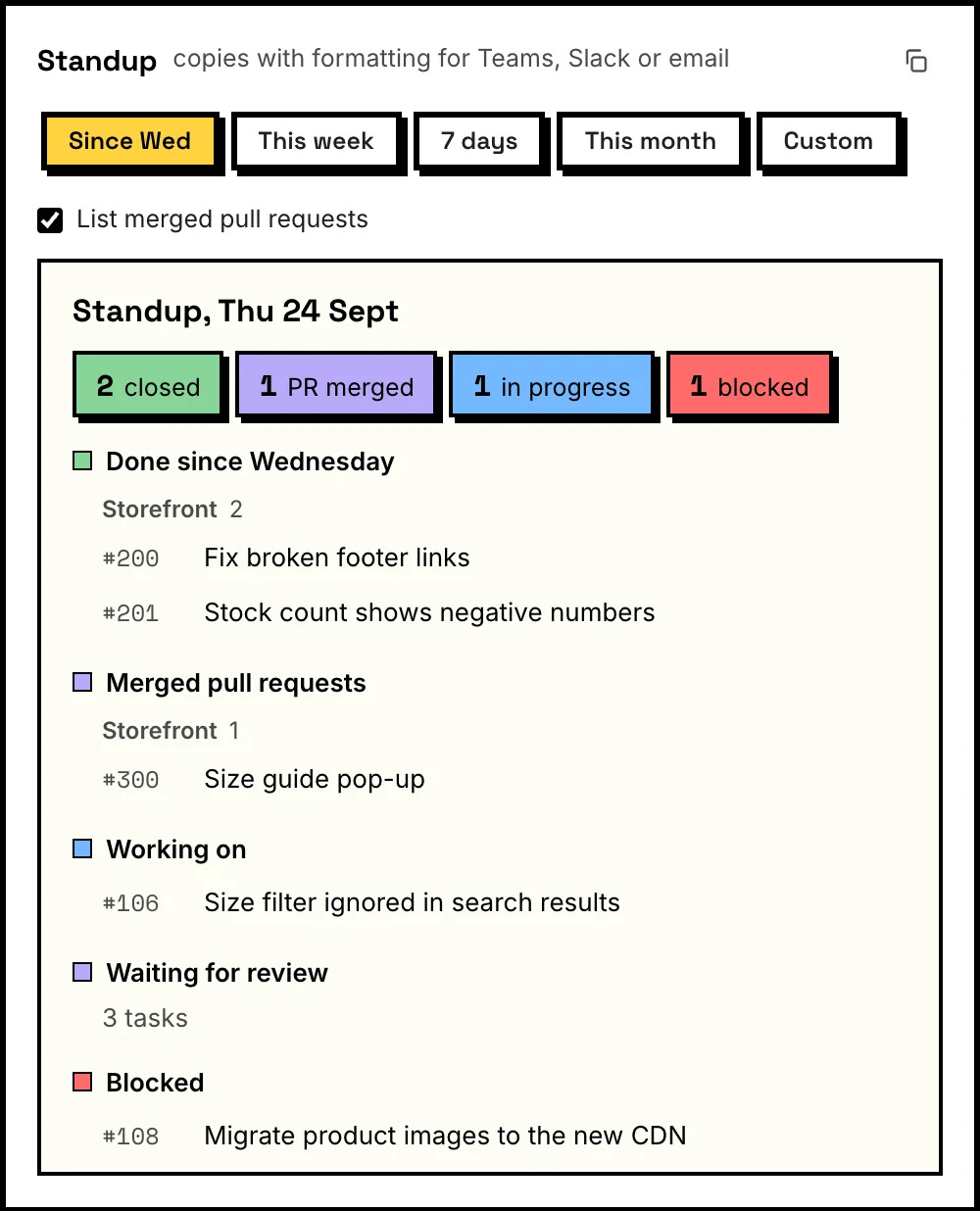
Standup in one click
What you closed, what you're on, what's blocked. For yesterday, this week or any range. Pastes into Teams, Slack or email with formatting and links.
Tasks from GitHub Projects, the pull requests that need you, and a standup you can paste in one click. Right where your day starts.
Free and open source. For Chrome. No account, no server.
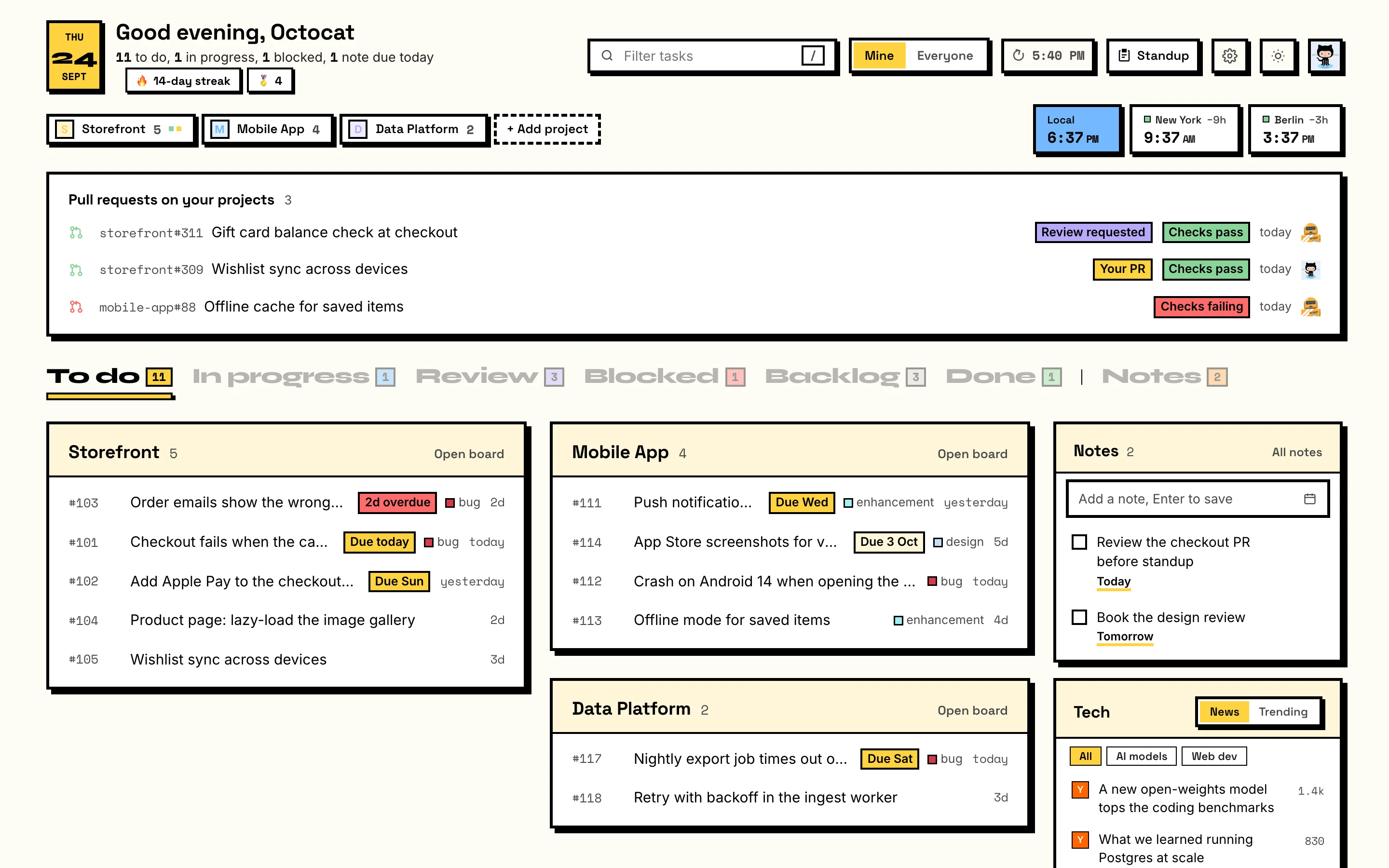
Stop opening five tabs to find out what's next. Tabboard pulls it together the moment you open a new tab.
What you closed, what you're on, what's blocked. For yesterday, this week or any range. Pastes into Teams, Slack or email with formatting and links.
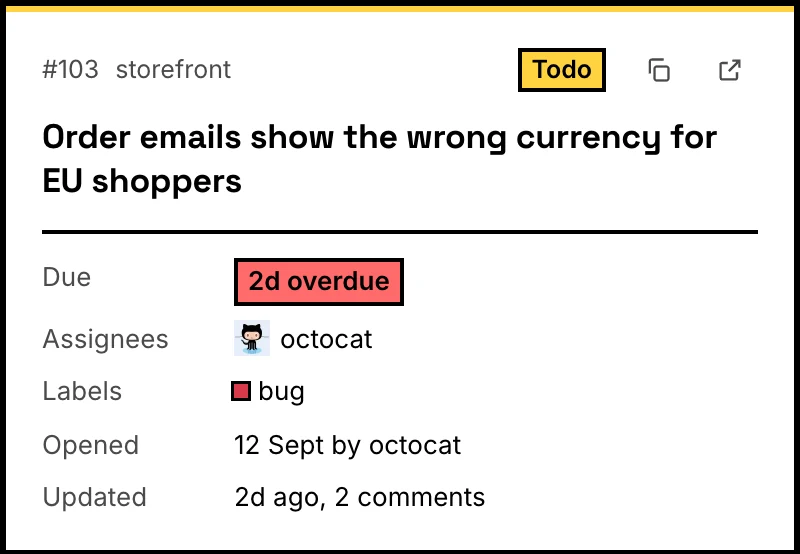
Full title, due date, labels and people, without opening GitHub. Copy it or open it in a keystroke.
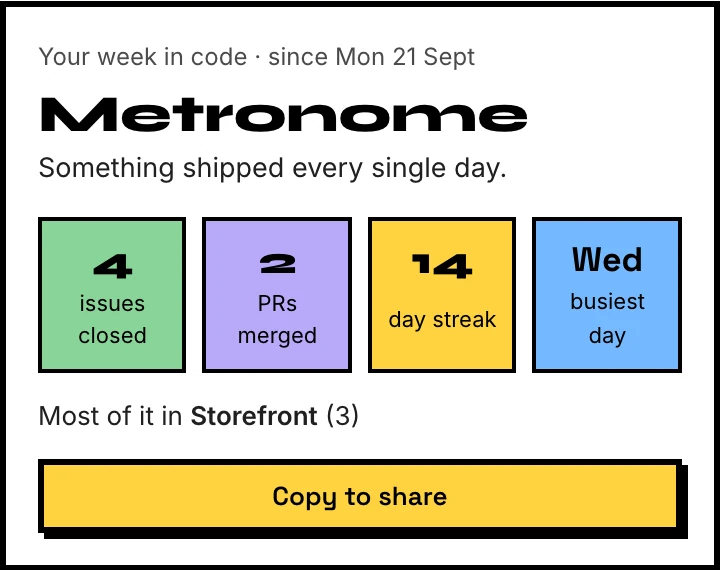
A Friday recap with a streak built from your GitHub contributions. Made to share.
Review requests, mentions and your own PRs, with passing or failing checks at a glance.

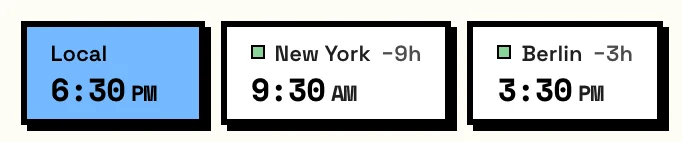
Know who's awake before you ping them. Search by city, PKT, EST or UTC+5.
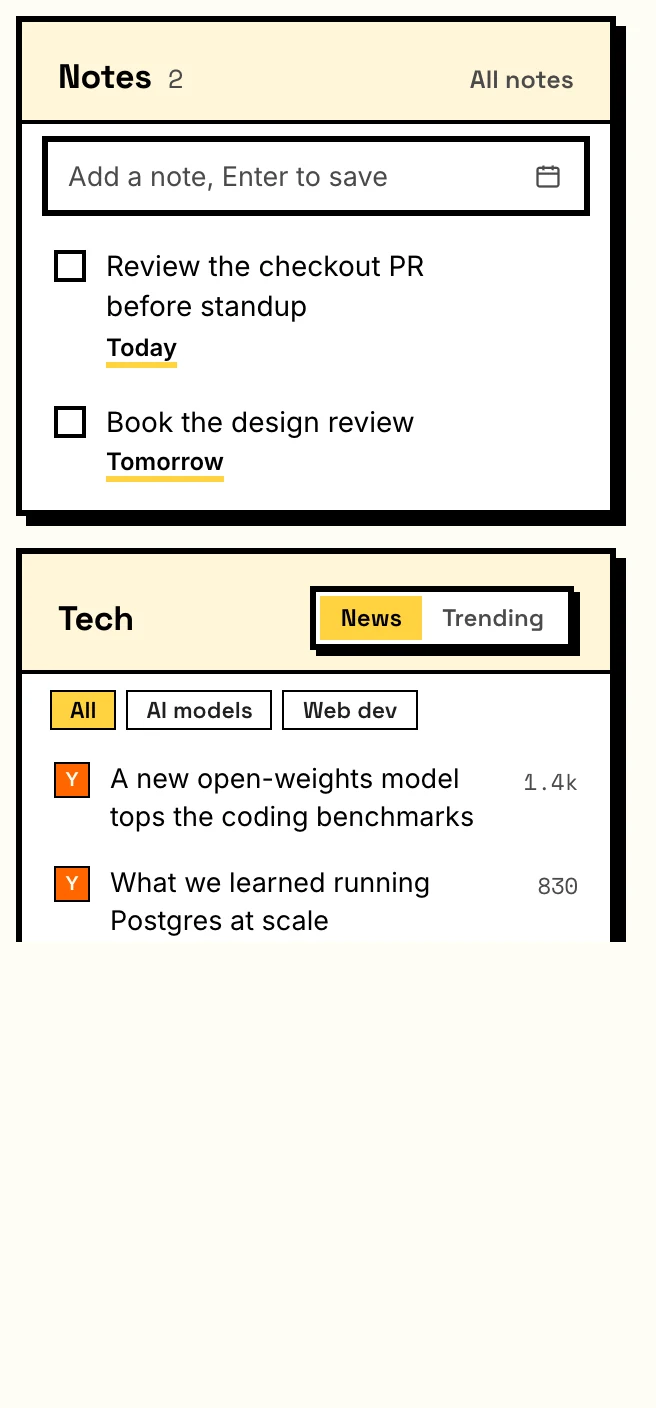
Private to-dos with due dates, plus the day's news for the topics you pick.
Brutal by default. Switch any time in Settings. Every look follows your system's light or dark mode.

Brutal, dark: thick outlines, hard shadows, loud color.
Tabboard isn't on the Chrome Web Store yet. Until then, it installs from GitHub.
Clone the repo, or download the ZIP from GitHub and unzip it.
git clone https://github.com/mifraheem/tabboardOpen chrome://extensions, turn on Developer mode, click Load unpacked and pick the folder.
Open a new tab, enter the short code on github.com, pick your orgs. Done.
There's no Tabboard server. Your browser talks to GitHub directly, and nothing about you or your work is collected.
Read the privacy policy